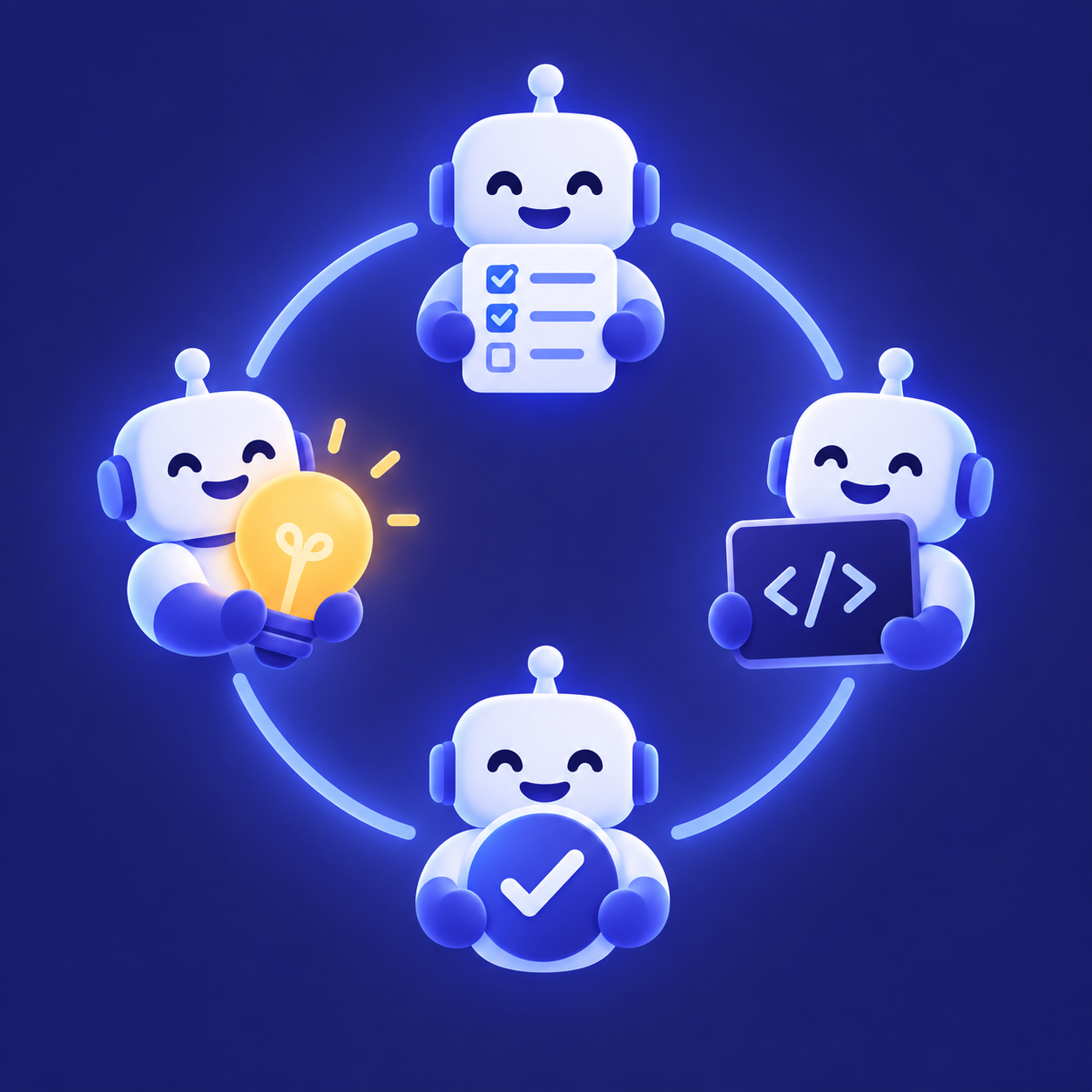
 My AI Team
My AI Team
Ship real code while you sleep.
My AI Team runs structured AI-agent sessions against your GitHub repo — agents claim ready tickets, implement on a branch, open PRs, and merge them themselves.
A tmux-based framework for solo developers and small teams. You set direction and step in on decisions and blockers; the routine review-and-merge loop is the agents' job.
What it fixes
Three friction points surface once you use coding agents regularly. My AI Team is built around removing them.
No babysitting terminals
Every session runs async. You drive it remotely over a two-way Telegram relay instead of watching a pane.
No manual handoff
Agents pass work to each other through GitHub issues and labels, not copy-paste. Claiming a ticket swaps its ready label for assigned_to:<lock>.
No single-agent bottleneck
Investigation, implementation, and review split across session modes and parallel backend slots.
Choose your plan
Every plan is annual access to My AI Team, licensed per device. Payments are handled securely by LemonSqueezy; the checkout page confirms the plan before purchase.
Payments are handled by LemonSqueezy, our merchant of record. Your purchase is subject to LemonSqueezy's buyer terms and refund policy, shown at checkout, and to our terms of sale and refund policy.
How it works
You kick off with an explore session; from there the loop runs itself — produce tickets, deliver them on branches, review and merge, and file what comes next back into the queue.

The autonomous loop
A goal enters the queue — a rough idea, a bug, a feature.
An agent drafts the approach, naming the real files and steps.
An independent reviewer approves the approach before any code is written.
An agent implements the change on its own branch and opens a PR.
The same independent reviewer who approved the plan reads the diff and signs off — or sends it back.
The change lands, and the queue re-arms for the next ticket.
Each merge re-arms the cycle. The team finishes one ticket and picks up the next without waiting to be re-invoked.
Where the guardrails are
A plan is approved first
An independent reviewer signs off on the approach before a line of code is written, so the build starts from an agreed design — not a guess.
Review is independent
The agent that reviews the diff is not the one that wrote it, and it re-reads the change with fresh context — so review stays honest instead of rubber-stamping.
Tests gate the merge
The suite runs on every change. Green merges; red sends the work back to the builder. Nothing lands on a failing test.
You decide the direction
The team resolves what it can on its own and comes to you only for real decisions — product calls, scope, tradeoffs. When agents disagree on design, two of them deliberate to a conclusion instead of escalating.
Session modes
Work splits along one seam: producing tickets versus delivering them. GitHub issues and labels are the membrane between the two sides.
Produce tickets — never delivery code
- explore
- Investigate a question and crystallise a ticket. One agent, read-only.
- caucus
- A proposer and a challenger deliberate one topic down to tickets.
- audit
- A self-arming cadence auditor reviews merged work and files triage tickets.
Deliver — branch, PR, merge
- live
- Hands-on work in the current directory: direct operations, or the quick patch workflow.
- adhoc
- One agent runs the full cycle: claim, implement, PR, merge, notify.
- duo
- Two-agent relay — a dev plans and implements, an independent reviewer gates and merges.
- team
- Three-agent relay — planner to dev to reviewer, for stricter role isolation.
Get started
Buying a plan gets you the release tarball and your license key, both delivered through the LemonSqueezy checkout. Download the tarball, then from the directory it landed in:
tar -xzf mat.tar.gz
cd my-ai-team
./install.sh
mat activate <LICENSE_KEY>
install.sh installs the runtime into
~/.local/share/my-ai-team, links the commands into
~/.local/bin, and registers the resident Telegram relay for your platform.
mat runs right away without activation, but only an activated machine can
mat upgrade later — so activate now.
The platform quickstarts in the docs cover prerequisites, Telegram setup, your first session, and upgrades.